LinkedIn Ads Conversion Tracking QA: The Pre-Launch Audit
A tactical LinkedIn Ads audit for matching campaign objectives, conversion rules, Insight Tag events, CAPI signals, and CRM stages before scaling spend.

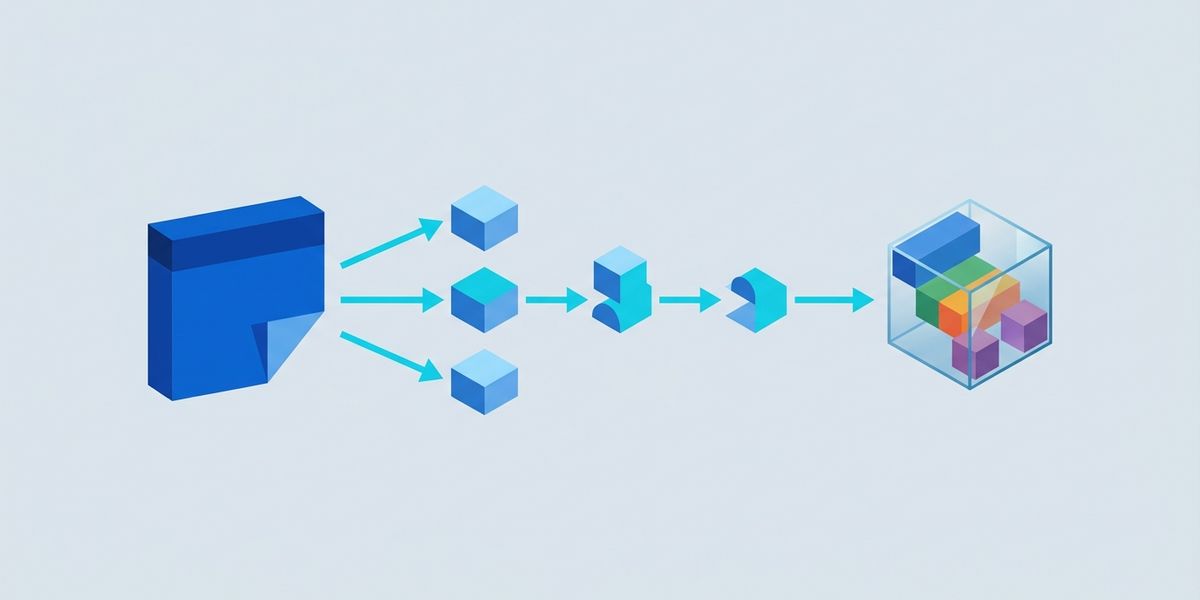
Most LinkedIn Ads tracking failures are not caused by a missing pixel. They come from a broken contract between the campaign objective, the conversion rule, the ad set, and the CRM event that should eventually prove revenue. Fix that contract before changing bids or creative.
Use this playbook for Sponsored Content, Lead Gen Forms, and Website Conversions when the optimization signal must match sales reality.
Start with the conversion contract, not the campaign build
Write the desired outcome in one sentence: “This campaign should produce a sales-accepted demo request from our target account list.” Then map the sentence to the ad format and objective.
- Use Lead Generation when the conversion happens inside a LinkedIn Lead Gen Form.
- Use Website Conversions when the ad sends traffic to a landing page and the thank-you action is measurable.
- Use Sponsored Content formats—single image, document, or video—as the creative container; the measurement choice still depends on where the action occurs.
LinkedIn’s measurement guidance recommends choosing the campaign goal and KPI before launch, then tracking both in-platform and on the website (LinkedIn Advertising 101). That is the useful distinction: the format earns attention, but the conversion rule tells the system what “good” means.
Before creating ads, record the exact conversion name, category, owner, destination URL or event, CRM stage, and campaign group it will serve. If those fields are vague, reporting will be vague too. For account-tier campaigns, pair this audit with the CRM segment QA playbook.
Audit the online signal in Campaign Manager
Use the current setup path: Campaign Manager → select ad account → Measure → Conversion tracking → Create conversion. Select the conversion source, choose a category such as Lead, define the value, set the click and view windows, choose the attribution model, and continue to the Sources page. LinkedIn’s official setup guide documents this sequence and the ad-set association review (Create a conversion in Campaign Manager).
For website actions, use Data → Website actions. Review whether the Insight Tag is actually seeing the intended page visits, button clicks, or form submissions, then create a rule from the captured action. This route is useful when your site has a stable thank-you page or a well-defined event and you want fewer custom code changes (Website Actions setup).
Do not stop at “the tag is installed.” On the Conversion Tracking page, inspect the Status column and the Ad sets selected column. “Unverified” or “No Activity Detected” is a launch blocker, not a reporting footnote. Open the conversion’s review screen and remove unrelated ad sets; an overly broad association can make a clean test impossible to interpret.
Add the CRM signal without creating duplicate credit
Online conversion tracking answers whether someone submitted a form or reached a page. It does not prove that the lead was accepted, qualified, or became an opportunity. For those stages, create separate conversion rules and send the CRM event through Conversions API or a supported partner integration. Compare the design with the offline-revenue signal playbook before broadening spend.
The practical path is Measure → Conversion tracking → Create conversion → Conversions API (CAPI). For a direct integration, LinkedIn documents Campaign Manager → Data → Signals Manager → Direct API → Generate access token. CAPI supports conversion rules, event streaming, and campaign association; LinkedIn lists rw_conversions as the relevant API permission (Getting access to Conversions API).
Use one stable event identifier for each CRM outcome. LinkedIn’s Payload Builder includes an optional eventId for event deduplication, plus fields for the conversion rule, event time, user identifiers, and conversion data (Conversions API Payload Builder). Keep the identity and event mapping in your data dictionary. If the same deal is sent twice with different identifiers, your “qualified lead” column becomes a billing and optimization risk.
Turn the QA into a weekly optimization loop
Create a reporting view that pairs delivery with business quality: spend, clicks, form submissions or website conversions, qualified leads, opportunities, and revenue. Break it down by campaign, creative, account tier, and conversion rule—not just by aggregate account totals.
Run the audit before launch, after the first meaningful flow of test events, and whenever the CRM or landing-page implementation changes. If leads rise but qualified opportunities do not, inspect the audience and offer before lowering CPL. LinkedIn’s technology case study makes the same operational point: campaigns that produced fewer leads could still create more valuable opportunities when targeting, creative, and conversion analysis were aligned (LinkedIn technology case study).
Do this Monday: export the conversion rules and their associated ad sets; test one website conversion end to end; send one controlled CRM event through CAPI; and write down the downstream stage that decides whether the campaign earns more budget. If that chain is clean, optimization becomes a growth decision instead of a dashboard argument.