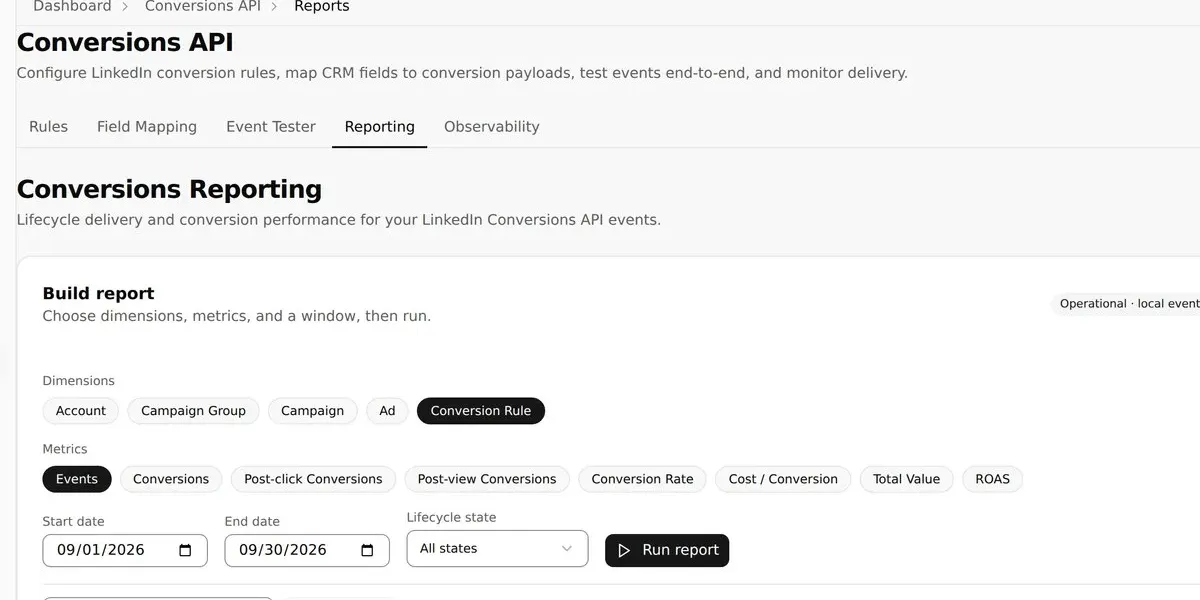
Build Conversions API Reports
Analyze conversion events by rule, account, campaign, delivery state, and date.
Build Conversions API Reports is part of the authenticated Revenue Proven workspace. This guide covers Build Conversions API Reports on /dashboard/conversions/reports. The page is documented against the current production interface rather than a mockup or an obsolete navigation path.
What this guide covers
Conversions Reporting builds operational event reports from local lifecycle data and can switch to LinkedIn performance reporting for performance metrics. The controls and values shown depend on the signed-in workspace, its connected providers, plan entitlements, member role, and any data already synchronized or seeded for demonstration.
Use this article to understand the page’s purpose, where its data comes from, and the safest next action. Revenue Proven separates read-only analysis from explicit mutations so that opening a page never implies that an external write has occurred.
Data, access, and permissions
Shawn’s operational event result and saved views are seeded. Selecting performance metrics makes a real read-only LinkedIn reporting request. Real synchronized values can change after a scheduled sync, while seeded demo rows are deterministic examples and must not be presented as customer benchmarks.
Feature availability is enforced on the server. A button may be hidden or disabled when the workspace lacks the required plan, add-on, OAuth scope, account role, owner permission, or rollout flag. Team membership never bypasses owner-only write guards.
Operational guidance
Before changing anything, verify the active workspace, selected account, date range, provider filters, and saved configuration. If a screen looks incomplete, allow asynchronous charts and grids to finish loading and check Workspace > Connections for sync health.
Use read-only preview, filter, export, and drill-down controls freely. Treat controls labelled Save, Submit, Apply, Resume, Sync, Send, Publish, Delete, Reconnect, or Regenerate as state-changing actions and confirm their effect before continuing.
Current product workflow
Conversions Reporting builds operational event reports from local lifecycle data and can switch to LinkedIn performance reporting for performance metrics. This screenshot was captured from the current production route while signed in to the populated Shawn Brown demo workspace.
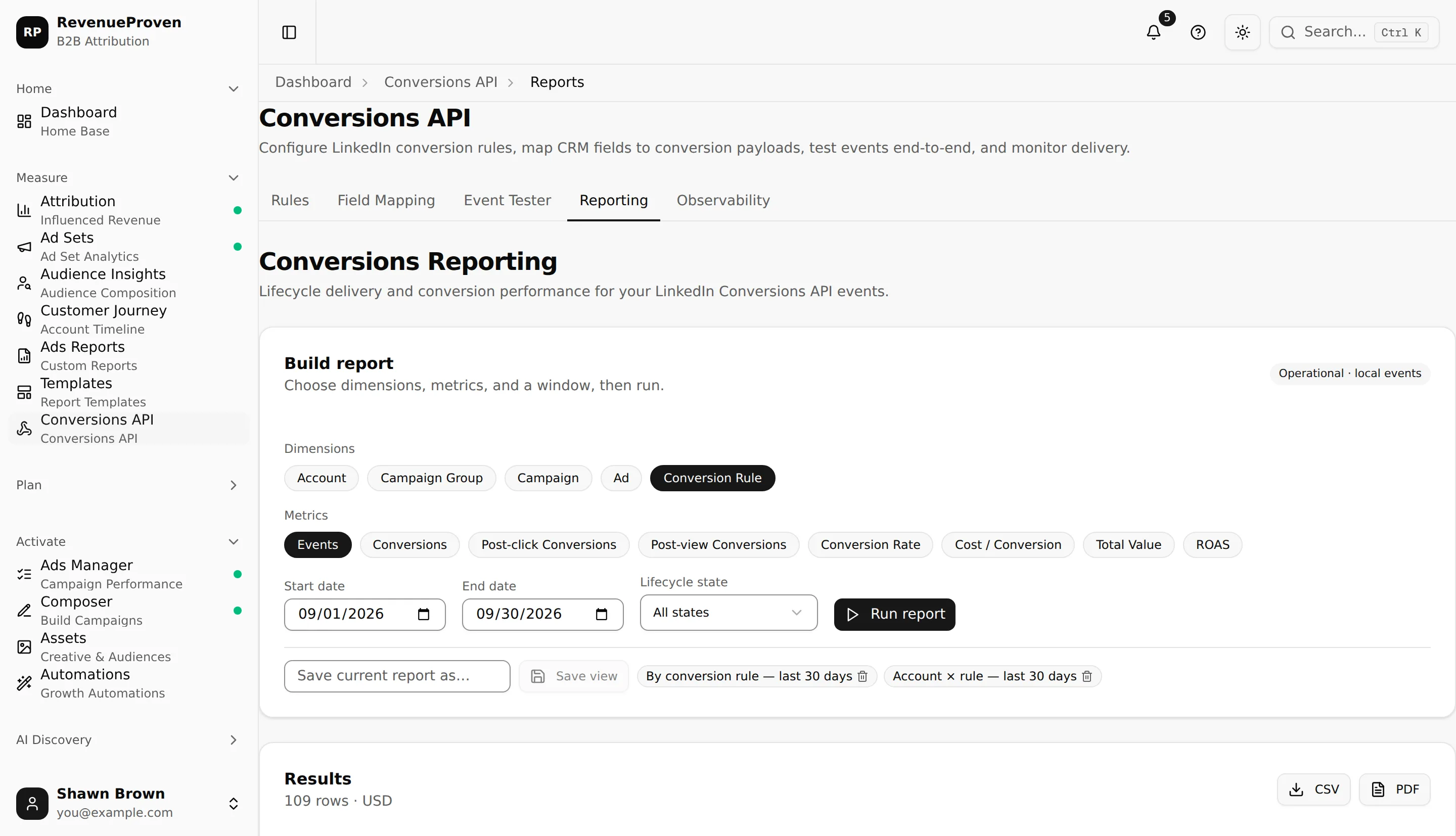
Choose dimensions, operational metrics, date range and filters, run the report, then save a reusable view or export the result. Interface labels and availability follow the current plan, role, connection, and workspace context.
Shawn’s operational event result and saved views are seeded. Selecting performance metrics makes a real read-only LinkedIn reporting request. Confirm the active workspace and understand whether a control reads data, changes local configuration, or calls an external system before using it.